In TestFlight · preparing for iOS release
One Bird.
Endless Worlds.
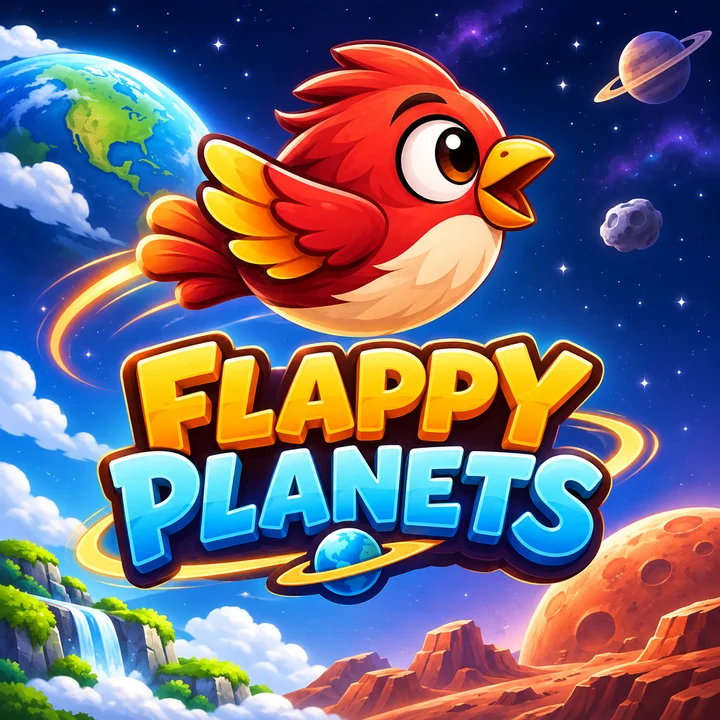
A little bird. A well-timed tap. A whole new world ahead. Fly, dodge, and chase your next high score through Earth, Space, and Mars.
iOS · Landscape gameplay · Built with Unity
The flight plan
Simple to start.
A little harder to put down.
Flappy Planets is a side-scrolling arcade game. Keep your bird in the air, slip past obstacles, and see how far your timing takes you.
Find your rhythm.
Tap the gameplay area to flap. Each new tap lifts the bird; holding your finger down does not keep it flying.
Keep your eyes ahead.
Dodge obstacles as the scenery changes and the challenge grows. A little timing goes a long way.
Chase your next best.
Keep a local high score and, when signed in, submit your best to Apple Game Center’s leaderboard.
Same bird. Different atmosphere.
Three worlds.
One more go.
New scenery, changing obstacles, and increasing difficulty keep the journey moving.
 01
Earth
Blue skies, familiar pipes, and the start of your journey.
 02
Space
A star-filled sky, lower gravity, and floating debris.
 03
Mars
Red landscapes, a new atmosphere, and more obstacles ahead.
Environment artwork from the game. These panels are not gameplay screenshots.
A personal best worth chasing.
Save your high score on your device. Sign in to Apple Game Center to see the leaderboard and submit your best.
A closer look
A glimpse of the flight.
Gameplay captures are being prepared. These clearly marked slots will be replaced with real screenshots.
Gameplay screenshot
Awaiting capturePlaceholder · not a gameplay image
Gameplay screenshot
Awaiting capturePlaceholder · not a gameplay image
Gameplay screenshot
Awaiting capturePlaceholder · not a gameplay image
Player support / ET Production
Need Help?
Hit a bump in your journey? Have a question about Flappy Planets? We’re here to help you find your way.
Email Support [email protected]A little detail goes a long way.
For a bug report, please include:
- Your device model and iOS version
- The game version you’re using
- What happened, and how to reproduce it
- A screenshot or recording, if it helps
Please don’t send passwords or sensitive personal information. No form or account needed—just email.
A few useful answers
Before your next flight.
Controls, scores, sound, and a little help when you need it.
How do I play Flappy Planets?
On iPhone, rotate to landscape and tap anywhere in the gameplay area to flap and gain altitude. Time each tap to avoid obstacles as you travel through Earth, Space, and Mars. Holding your finger down does not repeat a flap. In a desktop build, press Space; each keypress triggers one flap.
How do I view the leaderboard?
Tap LEADERBOARD on the Main Menu or Game Over screen to open Apple’s native Game Center leaderboard and view high scores from other players. You must be signed in to Game Center for online rankings. Check your Game Center sign-in in your iPhone settings if the button is unavailable. Your personal best is also saved locally.
How can I adjust music and sound effects?
Open SETTINGS from the Main Menu or Pause Menu. Use the separate music and sound-effects sliders, each ranging from 0% to 100%. Changes apply immediately and are saved between sessions. The Back button returns to the previous menu.
How do I report a bug?
Email [email protected] with “Flappy Planets Support” as the subject. Include your device model, iOS version, game version, what happened, and how to reproduce it. A screenshot or recording can help. Please do not send passwords or sensitive personal information.
How can I contact the developer?
Use the Email Support button above or write to [email protected]. ET Production is the developer of Flappy Planets, and this page is the game’s official support destination.